Tutorial
How We Easily Schedule & Batch LinkedIn Posts
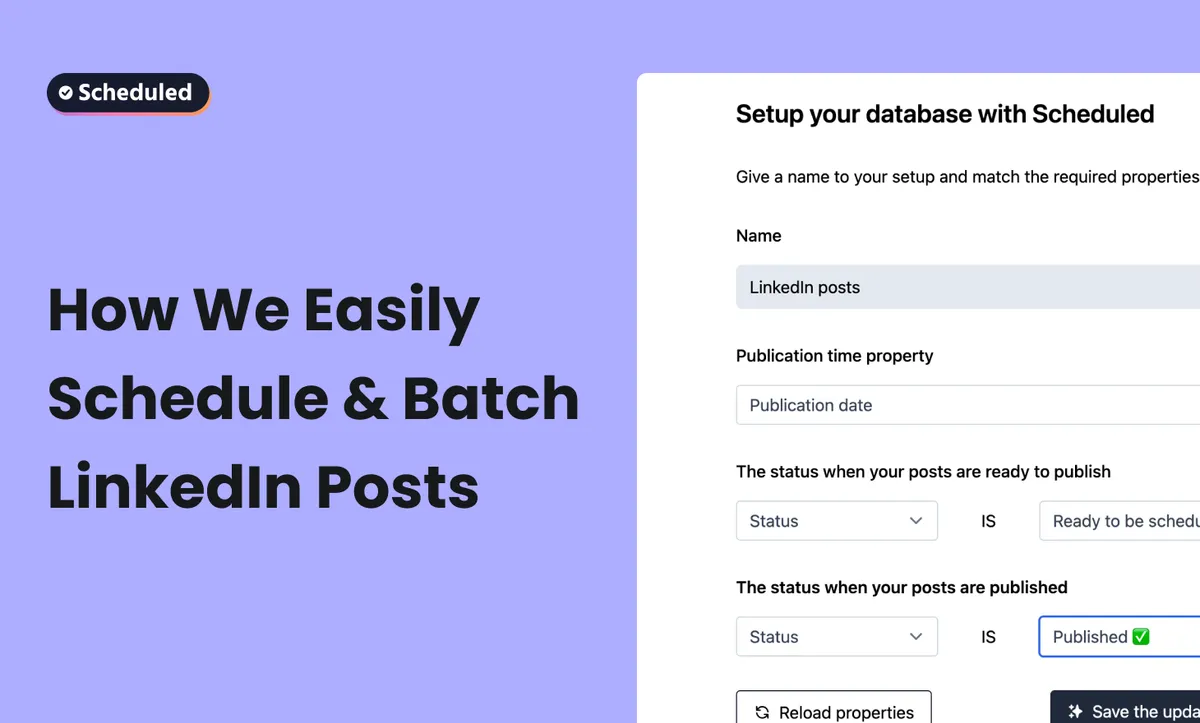
Scheduled is a LinkedIn scheduling tool that lets you draft, plan, and schedule LinkedIn posts using Notion. Scheduled allows you to plan and publish your posts (images, videos, carousels, reels, and stories) directly from Notion.
What is Content Batching?
Content batching is a workflow — a repeatable process that lets you create efficiently without sacrificing quality or authenticity. It allows you to have social media content booked for extended periods within a shorter creation window.
Benefits of Batching LinkedIn Posts
- Reduced mental load: Maintaining a consistent posting schedule manually adds unnecessary stress. Scheduling content in advance eliminates this stress.
- Maximize engagement: Scheduling posts at peak times for your target audience helps make sure that content reaches its maximum potential reach.
- Increased productivity: Scheduling posts ahead of time frees up bandwidth for other tasks.
Optimal Posting Strategy
LinkedIn research suggests that 2 to 5 posts per week (up to 20 posts per month) is ideal. The best days to post are Wednesday, Saturday, and Sunday between 12 PM and 9 PM.
How to Batch LinkedIn Posts with Notion and Scheduled
- Set Up Your Notion Database: Create a new page in your Notion workspace and create a Notion database with the 'Table' option. Set up a database with properties like title, publication date, and status.
- Write Your Posts: You can write posts using Notion's native editor and include images, hashtags, and even tag people.
- Schedule and Publish: Schedule the posts for a specific date and time by editing the property in Notion. Drag the card to the 'Ready to schedule' column, and you're done!
- Best Practices for Batching: Schedule 70% of your content by locking in 3-4 posts per week from your batched content, and leave 1-2 slots open for spontaneous posts.

